Apple Music Collaborative Playlists
Apple Music allow you to make your playlists collaborative, meaning others can edit and re-order songs in your playlist. This feature is available for Apple Music subscribers running iOS 17.3 (or newer) on iPhone or iPad and on the latest version of Mac OS on your computer.
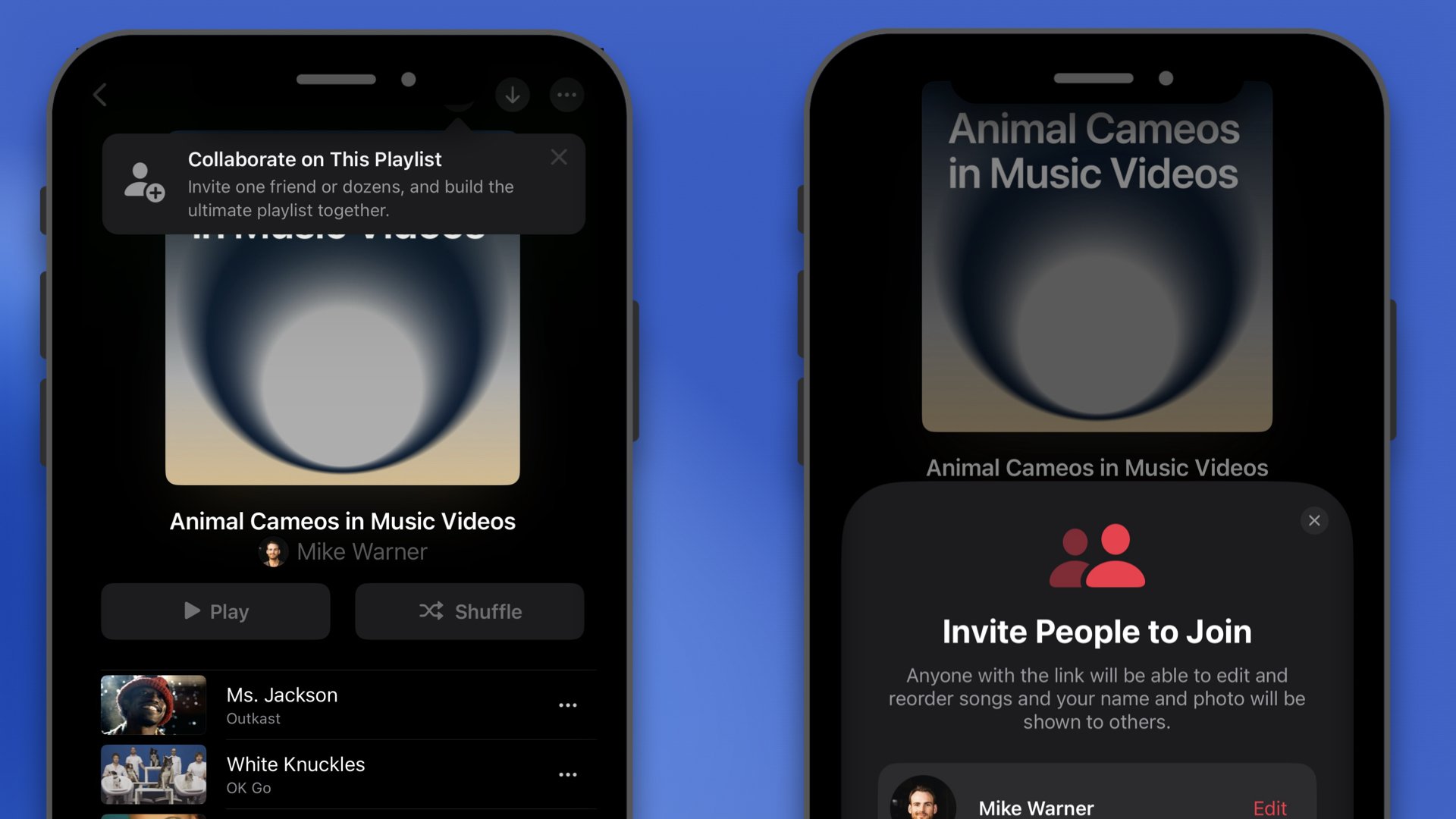
Here’s a quick rundown of how to make a playlist collaborative.
Go to a playlist that you’ve created.
Tap the person with + icon in the top right corner
You can choose if collaborators need to be approved or not (if sharing the link publicly like I have, it would be best to turn approval on)
Tap Start Collaborating
On the playlist tap the people icon to get the Manage Collaboration options to make changes
Below is a video walkthrough presented by the Apple Music team.
Looking for more Apple Music features? Check out the below articles.

Apple Music for Artists now includes Radio data from over 40,000 radio stations and 200+ countries and regions.
This is incredibly powerful for artists to know where their music is being played around the world and this data is provided at no cost.